
01
One app for iPhone and Android
Cross-platform builds from a single project — less cost and upkeep than separate iOS and Android apps.
04 / Service · Apps for iPhone and Android — when your business needs one
Not every business needs an App Store app. When you do — field staff working offline, daily push alerts, or customers expecting an installable app — we build for iPhone and Android from one project, connected to your backend.
01 / Business challenges
Where teams feel friction before a proper system is in place.
02 / Approach
We confirm native is the right fit, then ship cross-platform clients against your existing API — offline sync and store submission planned from week one.
Fig. 04 — Platform architecture
Fig. S4 — Mobile app stack. One app for iPhone and Android, connected to your backend
Philippine business owners hear “you need an app” in almost every pitch. Plenty of teams only need software that works well on phones in the browser. When a native app is the right tool — offline field work, push notifications at the center of the product, or App Store distribution — we build for iPhone and Android from one project, tied to a shared backend so rules and data live in one place.
SPEC / 04Rev 2026
Fig. 04 — Service specification
03 / Capabilities
01
Cross-platform builds from a single project — less cost and upkeep than separate iOS and Android apps.
02
Offline capture for field staff, warehouses, or areas with poor signal — synced when connection returns.
03
Alerts for bookings, orders, assignments, or status changes — when notifications are part of how the product works.
04
Apps linked to your backend, database, and admin tools — not a shell with no business logic.
05
Guidance and technical support for submission, updates, and the ongoing upkeep apps require.
06
If a fast web app on phones covers your needs, we will say so — and point you to the right service instead.
04 / Process
01 · Fig. 04.01
We map your workflow and say whether you need an App Store app, a mobile website, or something in between.
02 · Fig. 04.02
Screens, permissions, and data flow planned alongside the API — so the app is not an afterthought.
03 · Fig. 04.03
Working builds on real devices, test with your team, then App Store and Play Store submission when ready.
05 / Fit & technology
Who this is for
What you can expect
Technology philosophy
One codebase for iOS and Android when native is justified; shared backend with web admin; we say so when a PWA is enough.
Industries served
06 / Related work
Retail point-of-sale product
Prime Pulse
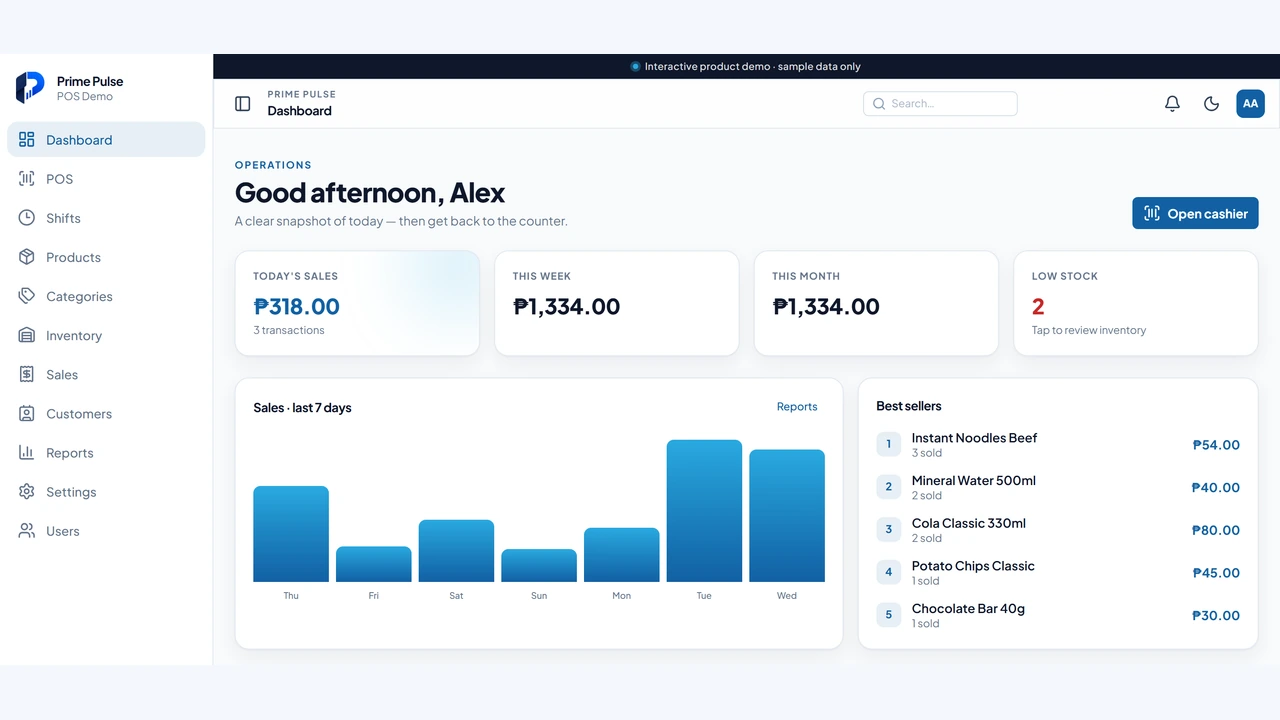
Prospects can open the live demo, run a sale end to end, and see the cashier and admin workflows before committing.
Read case study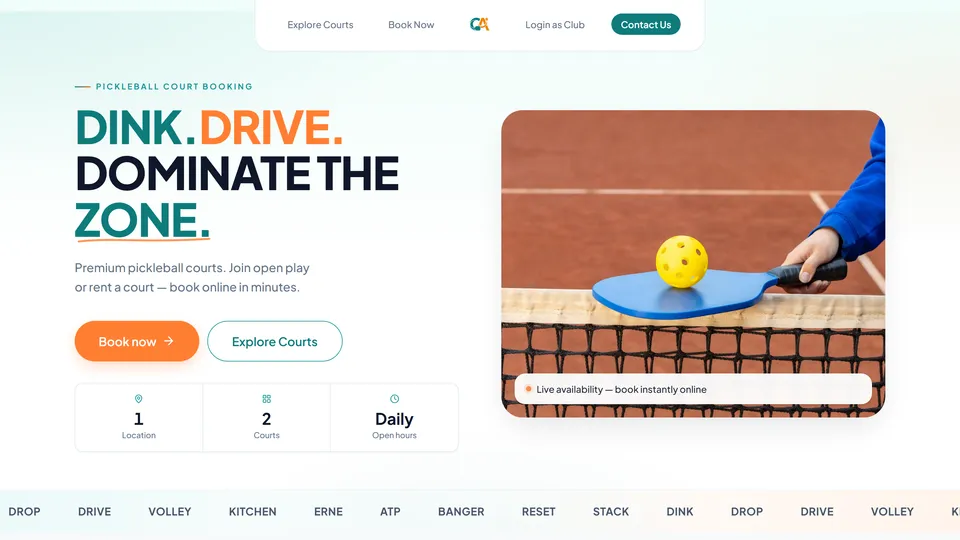
Pickleball court booking platform
Courtside Alley
Players and operators share one live schedule. Fewer double-bookings, less back-and-forth, and a booking flow that works on phones across the Philippines.
Read case study07 / FAQ
01
Often, no — a well-built web app on phones covers booking, ordering, and admin for most Philippine SMEs. Native apps make sense when offline work, push notifications, or App Store distribution are non-negotiable. Read our guide or contact us with one concrete workflow.
02
A focused app with an existing backend can take 8–12 weeks. Apps that need new backend systems, offline sync, or complex integrations usually take longer. We scope in phases so you see progress early.
03
Apps need ongoing updates — OS changes, store policies, and security patches. We offer post-launch support on a scoped agreement and will spell out what that costs before you commit.
04
Yes. Most apps we build pair with a secure backend API and admin tools — the same approach we use for custom business software. One backend, web and mobile clients.
08 / Start
Share what you want to build. We’ll help scope it, tighten the idea, and give you a realistic timeline.